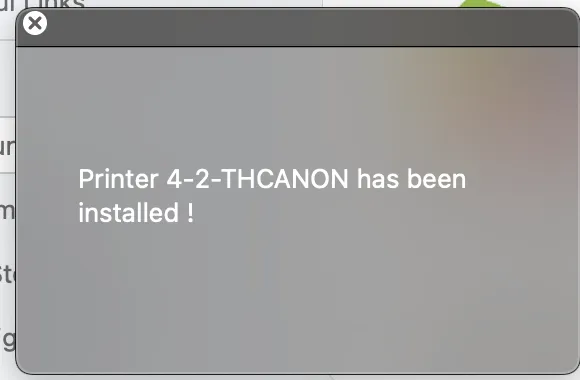
Problem printing on HP from MAC machines
FOR MAC USERS:
if you have problems with printing on one of our HP printers and one of those messages appear :
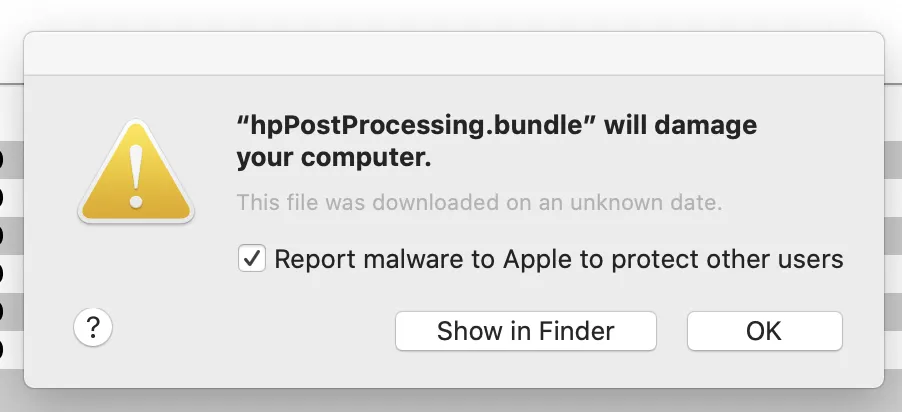
or
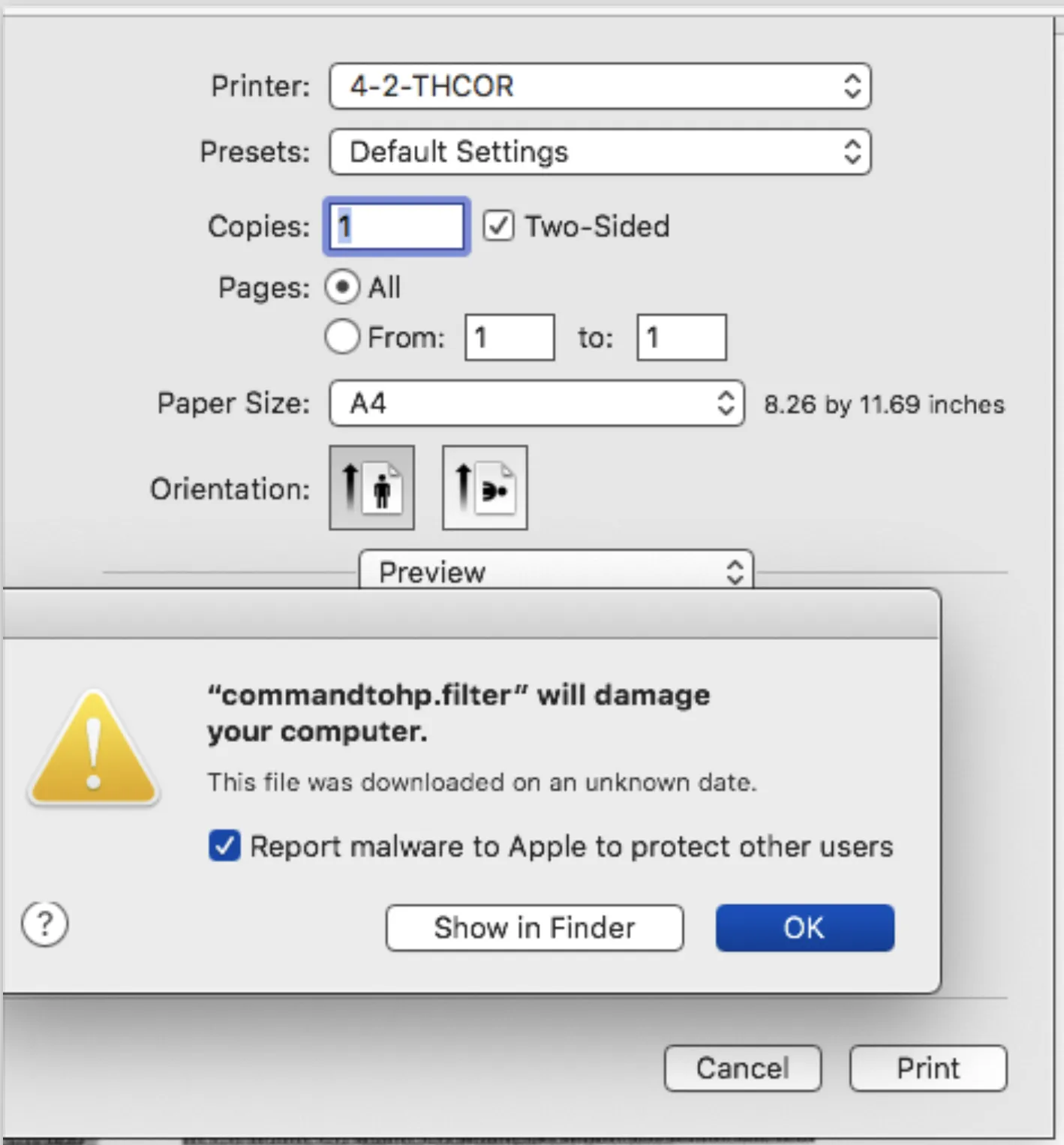
Please do the following steps :
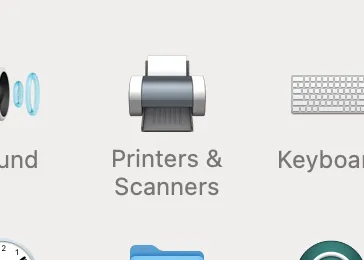
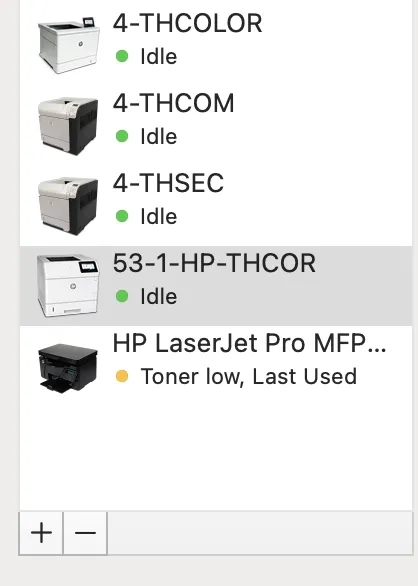
1. Go on System Preferences -> Printers and Fax -> and select the printer that give you troubles and then click on the “-” minus sign to remove it
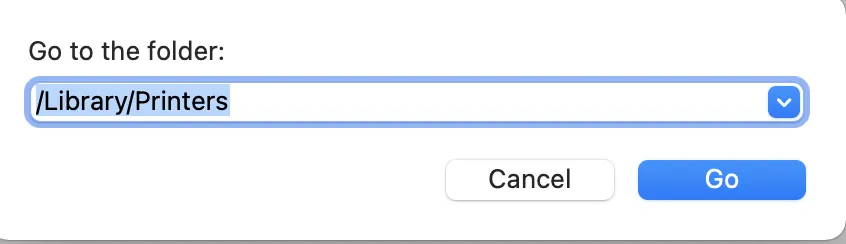
2. Open Finder -> Go to Folder and write /Library/Printers
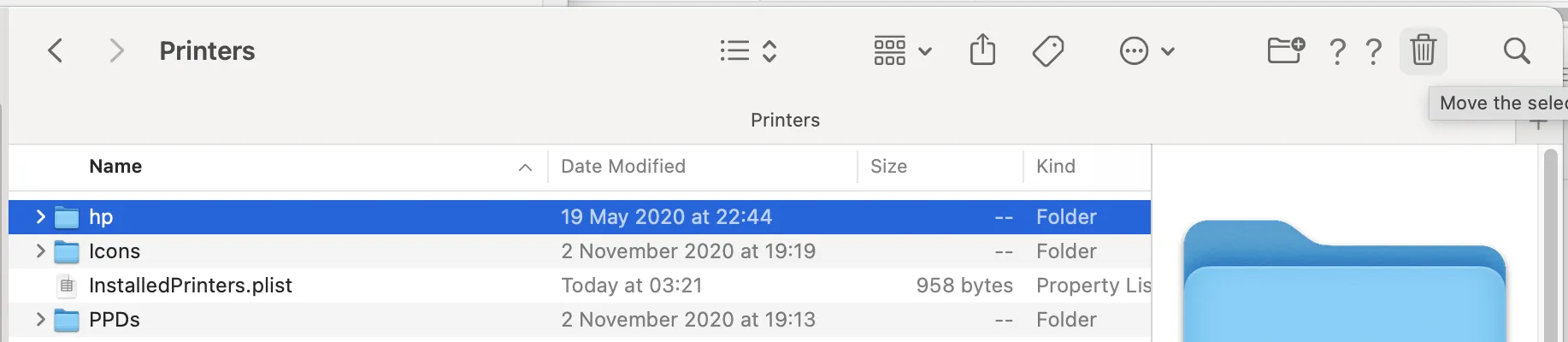
take the folder called “hp” and move it in the Trash
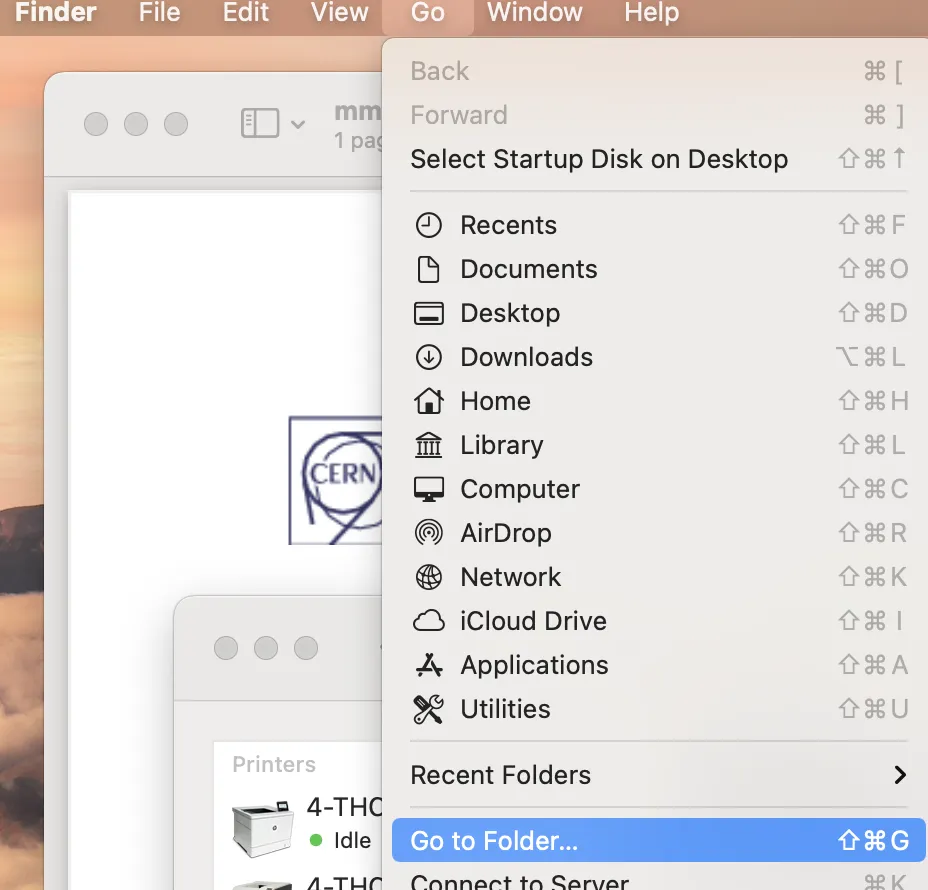 Go to Folder”” class=”wp-image-134″ style=”width:928px;height:auto” />
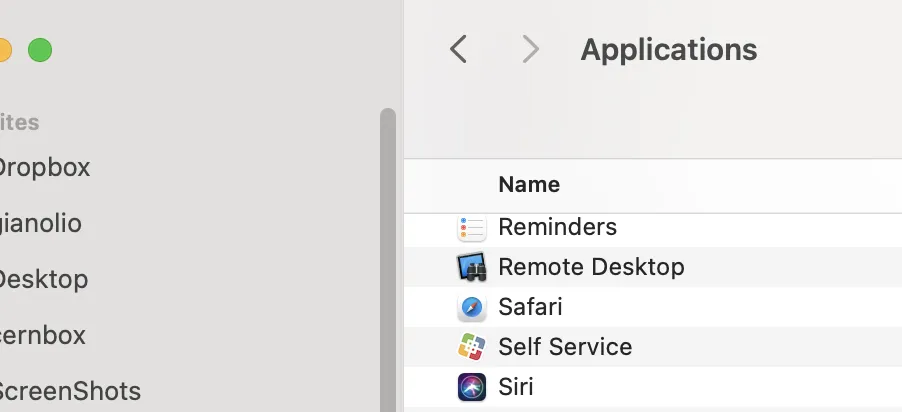
3. Go in Finder -> Applications and open Self Service
(if you do not have it please install from : MAC Self Service)
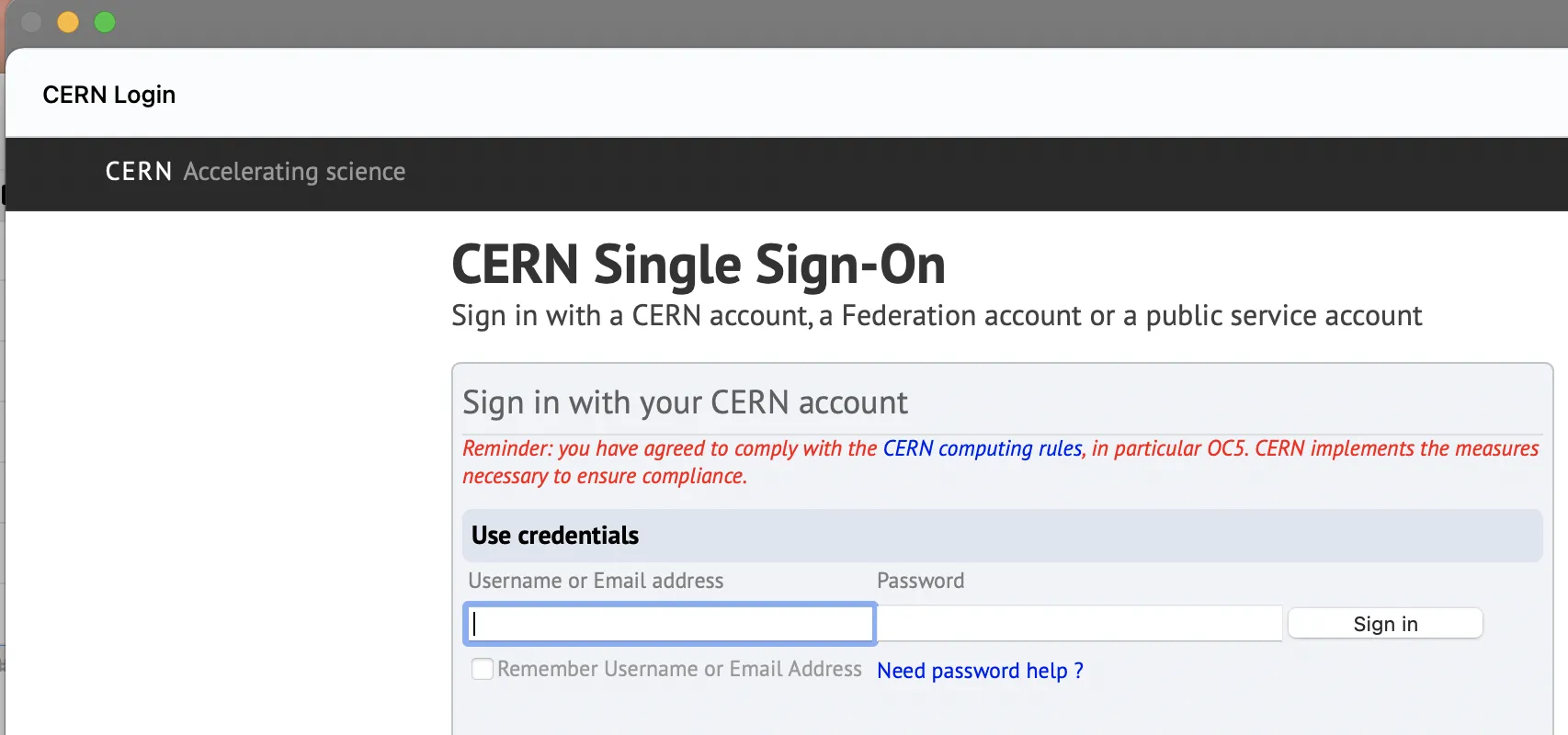
4 Log in with your CERN credential
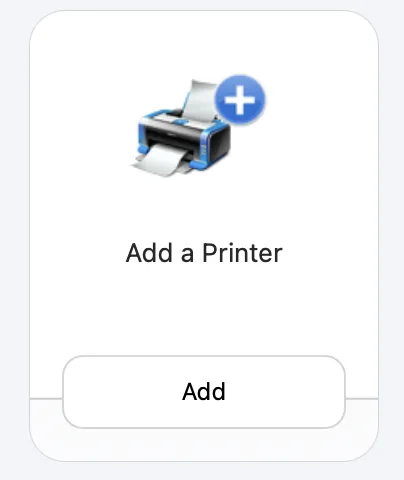
5 look for the application “Add a printer” and click on it
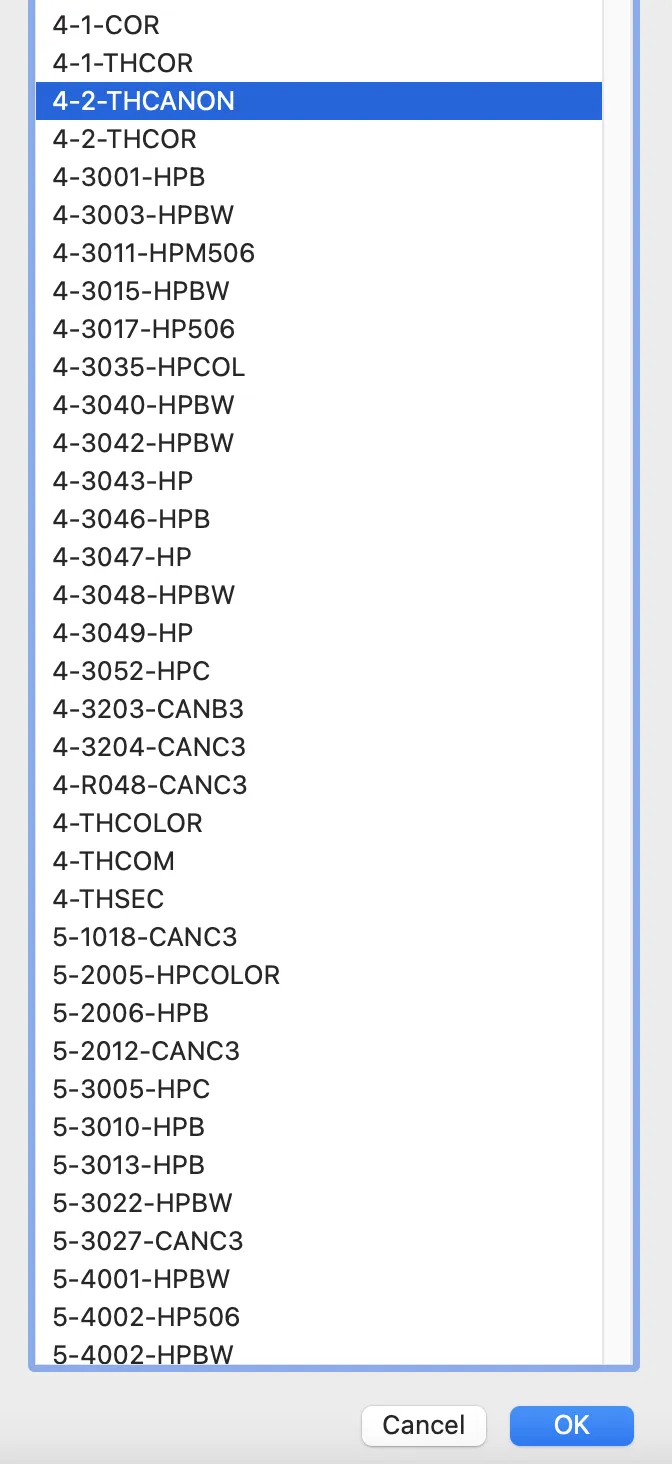
a list of printer will appear and choose the one(s) you want to install and click on OK
6 Wait until the printer is installed then it should work